Culture of Equality 6: Using technology
The sixth guide is about technology in museums, libraries and archives: it can make the inaccessible accessible, but chosen badly it creates new barriers or reinforces old ones.
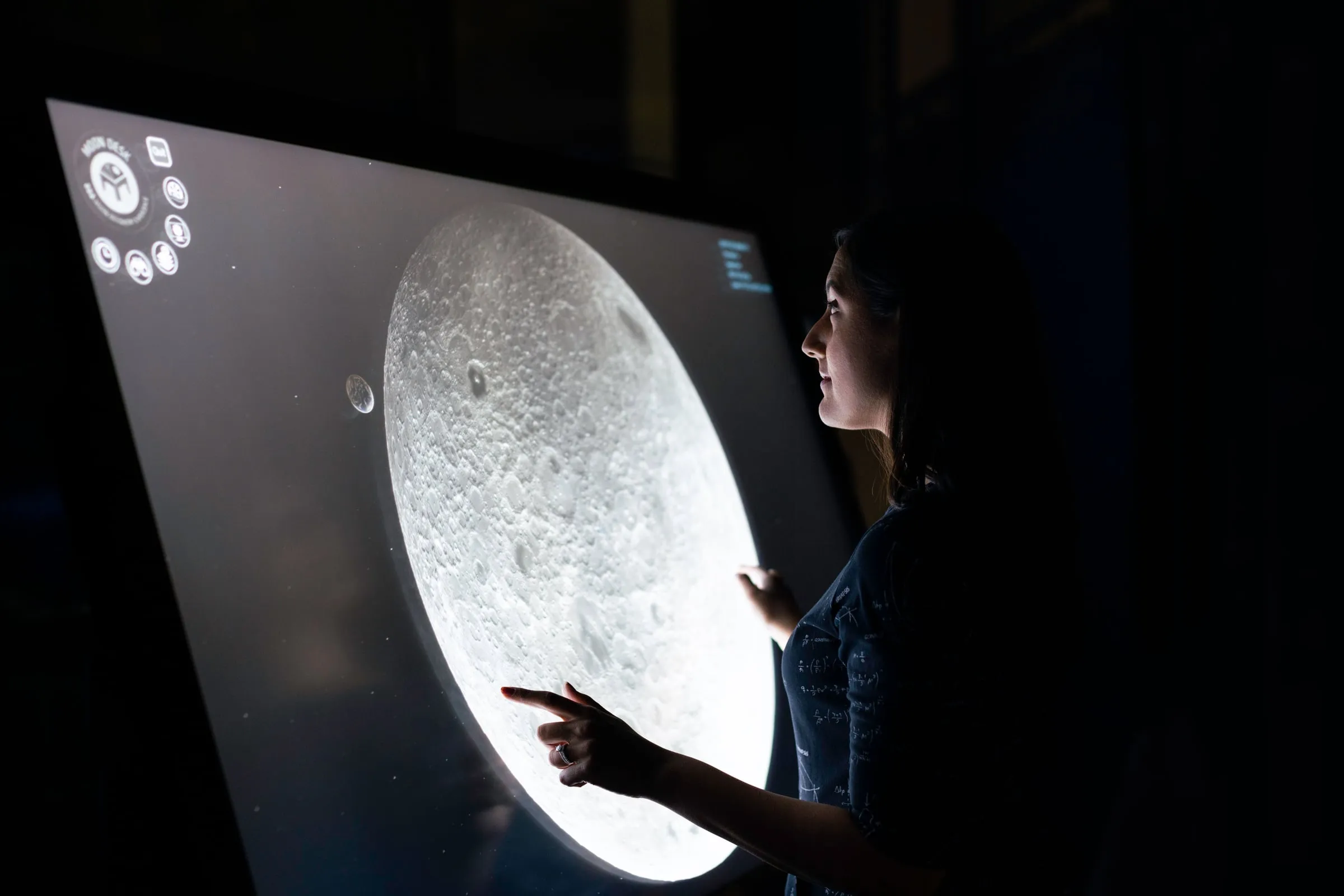
The sixth guide is about technology in museums, libraries and archives, from computers at reception and the website to audio guides and interactive screens in exhibitions. Its message is twofold: technology can make the inaccessible accessible, but chosen badly it creates new barriers or reinforces old ones.
What still applies
Technology is a means, not an end. The guide defines technology as any tool that extends our abilities, so paper and pencil are technology too. What matters is choosing the right tool for the job, not the newest one just because it exists.
Eight questions before buying. What do we want to achieve? Why? For whom? What do those users want to be able to do? What are the options? Who has done something similar? How much can we spend? Whom will we work with? The solution should be proportionate to the need, and the answers to these questions are the basis for talking to a supplier.
Accessibility from day one. Universal design means thinking about the accessibility of a website or app while it is being built, not once it is finished. Retrofitting is more expensive and less effective. The basic rule is to keep content separate from presentation, so that information remains available even when the design is removed.
Accessibility in the contract. Most institutions commission their websites from external designers. The guide advises asking for experience with accessible websites, talking to previous clients, writing the accessibility requirement into the brief, and deciding in advance how it will be checked.
Automated checks are not enough. Website checking tools quickly find technical errors, but they cannot judge whether content is understandable and usable. Recent tests confirm this: when the UK Government Digital Service (GDS) tested tools on a page with deliberately built-in barriers, the best tool found about 40 per cent of the problems. That is why tools should be combined with manual checks, ideally with users themselves.
Audio guides for different visitors. The guide cites the Pitt Rivers Museum in Oxford, which at the time offered three audio guides: a standard one, a detailed one for visually impaired visitors, and a conversational one for people with learning disabilities and for those whose first language is not English. Interactive exhibits should also be checked: height, glare, operation without a mouse, the size of buttons on touch screens, animation speed and noise.
What has changed
The guide describes the first version of the WCAG guidelines, in which guidelines were sorted by “priorities”. The second generation has testable success criteria instead, grouped around four principles: content should be perceivable, operable, understandable and robust. The conformance levels A, AA and AAA were kept. The current version is WCAG 2.2, published by the W3C in October 2023, and in 2025 it was also approved as the international standard ISO/IEC 40500:2025. WCAG 3 is in preparation, but is not yet a standard.
In Serbia, the 2018 Law on Electronic Government requires public authorities to make their websites accessible to persons with disabilities. In the European Union, public sector websites are governed by the Web Accessibility Directive (2016/2102), and since June 2025 the European Accessibility Act has applied as well, setting requirements for e-books and online shopping, among other things.
A new phenomenon is website plug-ins that promise accessibility “in one click”. They can make it easier for visitors to adjust the display, but they do not fix the website’s code. In 2025 the US Federal Trade Commission (FTC) ordered one maker of such a tool to pay one million dollars over claims that its product automatically makes websites WCAG-compliant.
Handheld computers and CD-ROMs have been replaced by the smartphone: visitors can use their own phone as an audio guide, with their own magnification and screen reader settings. Text phones, which were never properly supported in Serbia, have been replaced by messaging and video calls, which also allow deaf people to talk in sign language.
A question for your institution
Has anyone in your institution tried to use your website with a keyboard only, without a mouse, or with a screen reader?
Next: Access at the touch of a button, how accessibility can start without a big budget.
Previously: Culture of Equality 5: Inclusive information. About the series: Culture of Equality.